LANactive Manager
LANactive Manager
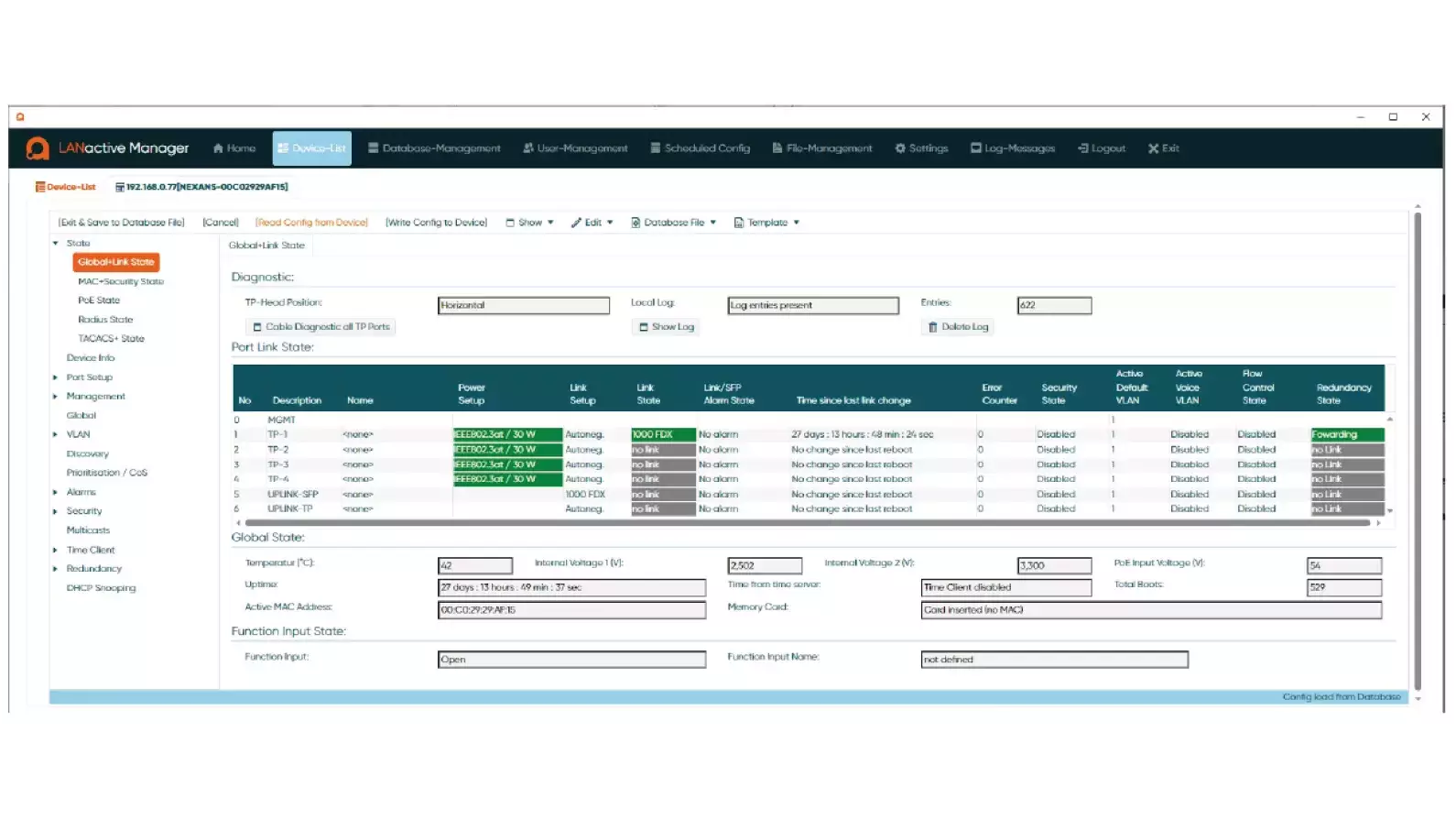
The Aginode Management Software offers a simple, comfortable and secure solution for configuring, managing and monitoring Aginode LANactive switches. Both FTTO switches (e.g. XGigaSwitch V6) and switches for harsh environments (e.g. iGigaSwitch 10XX/12xx/16XX) can be managed via the Aginode Manager.
Different installation options
The Aginode Manager can be installed as a stand-alone version and set up as a desktop application for one or more users. This installation is ideal for on-site network technicians who are connected locally. Client Controller is a client-server software architecture optimised for large FTTO network installations. It enables simultaneous access from different clients via a web interface and supports the fully automated configuration process Zero-Touch Configuration.
Extended zero-touch function
Aginode LANactive Zero Zero-Touch Configuration is part of the LANactive Manager in combination with the controller license and is a contemporary way of designing, building and operating networks with minimum effort. The use of LANactive switches in combination with the LANactive Manager ensures networks are fully automated, flexible and scalable.After connecting a Aginode LANactive switch to a network segment, the switch will automatically link to its controller to receive provisioned firmware and configuration.
Web-based user interface
The web based user access allows technicians and administrators to connect from each end device to the LANactive Manager interface using a standard browser. Therefore, the LANactive Manager must be installed as the controller instance including a controller license.
HTTPS can be used to access LANactive Manager. Either the default certificate or your own certificate can be used.
Positioning
Positioning allows the user to place devices on a world map or custom building layouts. On the map users can add devices, or even locations with a simple mouse click. Longitude and latitude will automatically be set. The Building layouts allows floor plan to be uploaded and devices can be positioned in locations where they are installed.
Dashboard
The dashboard provides a comprehensive overview of critical network parameters, including Power over Ethernet (PoE) consumption values, temperature behavior and switch availability.